Import & Export Data
To explore the import and export types available:
- Go to Global System Settings.
- Select Area Tools.
- Choose Import & Export Data.
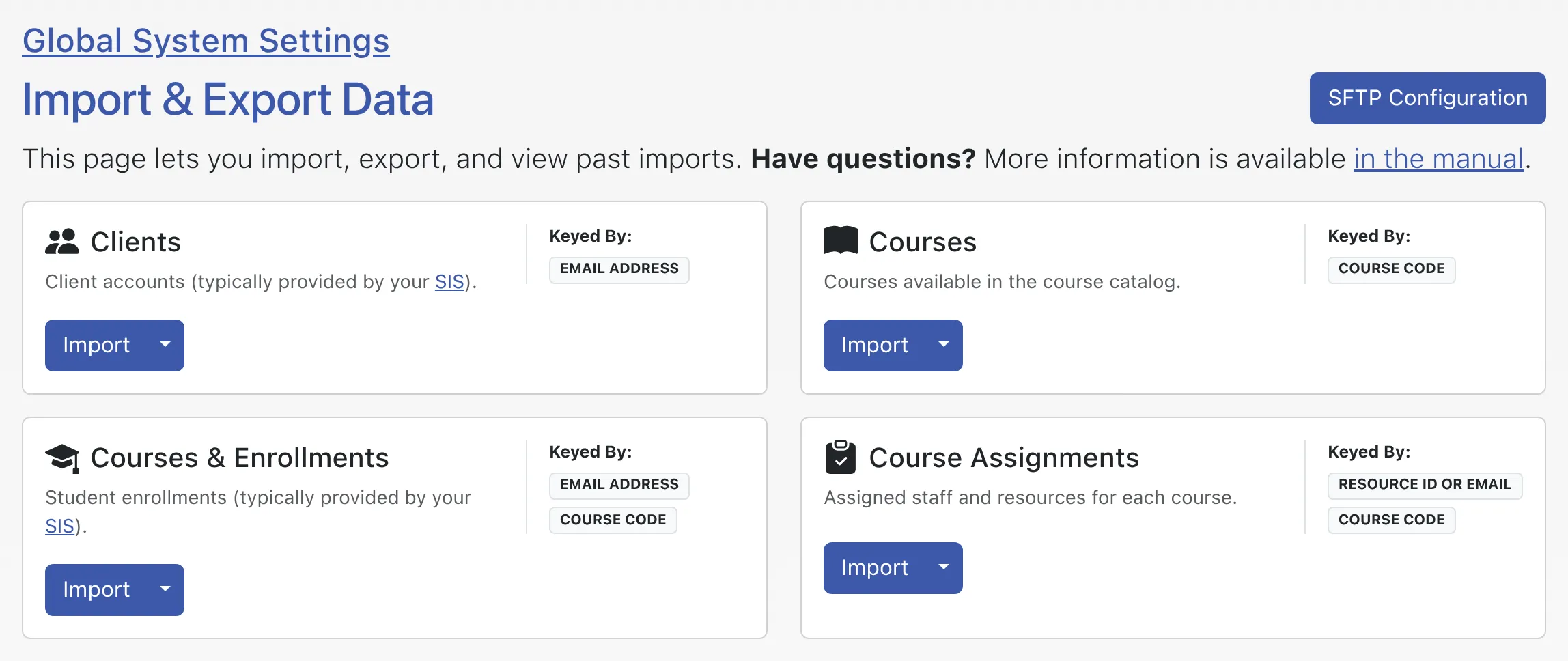
- IMPORT CLIENTS: This page lets you import client accounts from a CSV file.
- IMPORT COURSES: This page lets you import courses from a CSV file.
- IMPORT COURSES & ENROLLMENTS: This page lets you import courses and enrollments from a CSV file.
- IMPORT COURSE ASSIGNMENTS: This page lets you import the courses assigned to staff and resources from a CSV file.
- SFTP CONFIGURATION: Automated imports are driven by a file being uploaded to WCONLINE’s SFTP servers.